
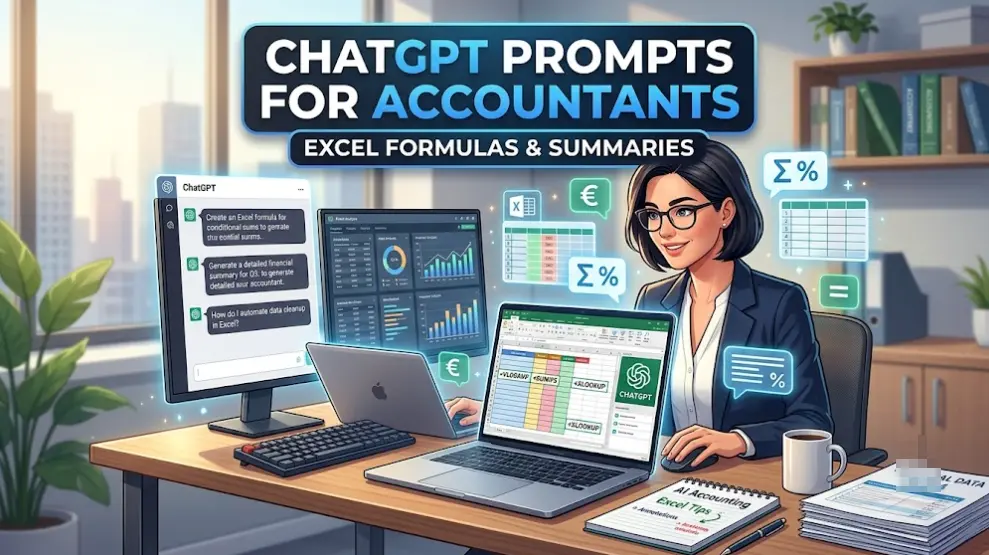
ChatGPT Prompts for Accountants – Excel Formulas & Summaries
ChatGPT prompts for accountants usually come down to two things: writing or fixing an Excel formula, and turning a financial statement into something a non-accountant can understand. Here are some practical prompts for both, plus a few things to watch out for before using client data.

Writing Excel Formulas With ChatGPT
ChatGPT can write formulas such as INDEX-MATCH, XLOOKUP, SUMIFS, LET, and LAMBDA from a plain-English description. The more details you give it about your spreadsheet, the more useful the result will be. “Look up the price” is too vague. “Look up the price in column C using the product ID in column A” gives it enough information to work with.
Include the column letters, sheet layout, and the condition you want to apply. For example, “Filter column A for dates in Q3” is much clearer than simply saying “get the third quarter.”
Here is a prompt for an XLOOKUP:
Act as a senior Excel user. Write an XLOOKUP formula that finds the product price in column C based on the product ID in column A. If the ID isn’t found, return “Item Missing”. Give me only the formula.
Fixing a Formula That Returns an Error
If a formula returns #N/A, #VALUE!, or a circular reference warning, paste the formula and the error message together. It also helps to explain what you expected the formula to return.
A lookup value that doesn’t match the table or numbers stored as text can cause problems, among other things.
This formula returns #N/A: [paste formula]. Column A holds product IDs and the lookup table is on Sheet2, A2. Tell me what could be causing it and give me a corrected version.
Test the corrected formula on a few rows where you already know the expected result.
Summarizing Financial Statements for Non-Accountants
An income statement, balance sheet, or cash flow statement can be turned into a short summary for an executive or client. ChatGPT can highlight budget variances, major cost changes, and the main profit figures, then explain them in simpler language.
For better results, paste clean text or CSV data when possible. PDFs and image scans can sometimes come through with scrambled columns after OCR, and a misplaced number can easily end up in the final summary without being noticed.
Act as a CPA. Summarize the following quarterly P&L text for an executive without a finance background. Point out the three biggest expense increases, then explain in three bullet points what drove the change in net income.
Client Data and Confidentiality
Be careful with client information. Personally identifiable information and confidential financial data should not be pasted into a chat simply for convenience.
If you need to use sample data, replace client names with labels such as “Client A” and remove or change other identifying details. For real client work, check your firm’s policies and the privacy terms of the AI service you’re using before uploading financial records.
Where ChatGPT Gets Things Wrong
ChatGPT can write a correct-looking formula that still doesn’t work with your particular spreadsheet. It can also make mistakes when doing calculations itself. If it performs a multi-step calculation in its response, check the result in Excel rather than assuming the number is correct.
Tax rules and accounting standards can also change. Its knowledge may not reflect the latest version of IFRS, GAAP, or local tax rules, so verify anything technical or time-sensitive with the relevant standard setter or tax authority.
Writing Prompts That Work
A few simple things make these prompts more useful. Give ChatGPT a clear role, such as “act as a CPA,” tell it exactly what format you want, and include enough information about the spreadsheet or financial data.
If the first answer is wrong, don’t necessarily rewrite the entire prompt. Usually, adding the missing information is enough.
I’d start with a formula you rebuild every month and test the prompt on a few real-world examples. Once you know it gives you reliable results, you can use the same approach for more complicated tasks.
You might also like: